Syntax Coloring Improvements
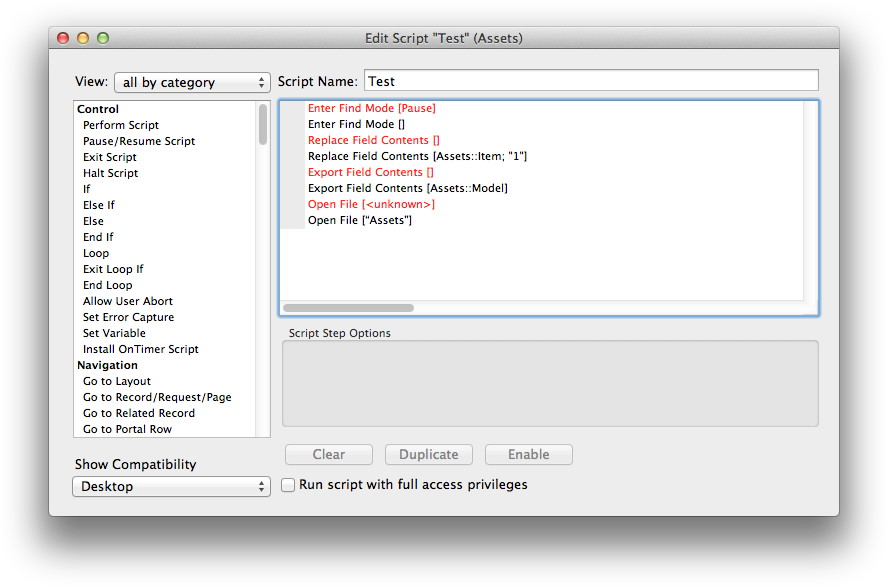 Today we worked on the syntax coloring and found a new use for it. You can tell the plugin now to highlight longer texts and specify script steps which would be an error. Like this: MBS( "SyntaxColoring.AddTag"; "Enter Find Mode [Pause]"; 1; 0; 0 ) So all Enter Find Mode script steps with Pause will be shown red. This way you can highlight your errors. Available in next plugin prerelease.